Fillable W-9 Form (2024)
Fill out IRS Form W-9 online for free. Provide your Taxpayer Identification Number to requesters with AI-powered guidance, error checking, and instant PDF download.
USE FORM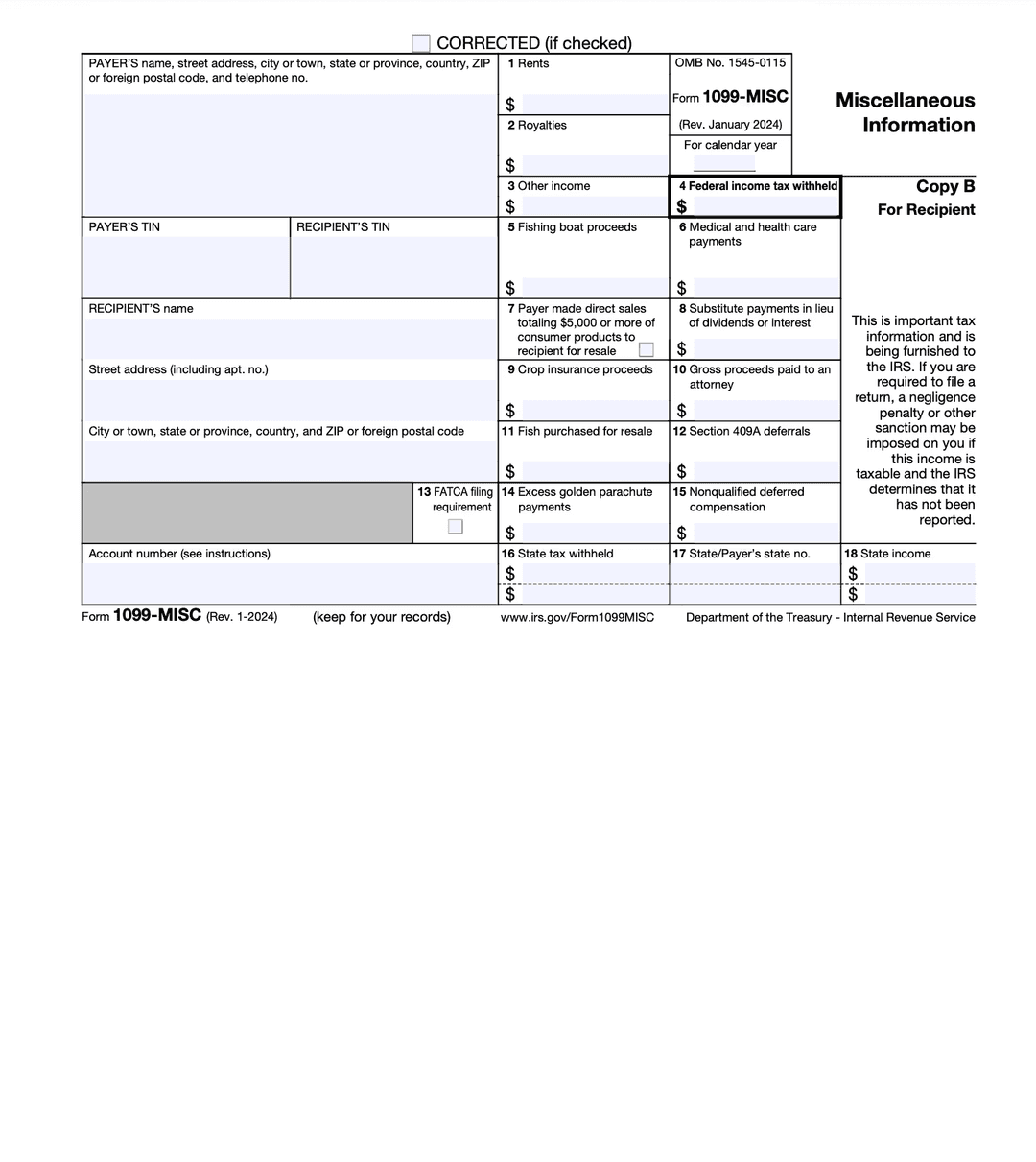
What Is IRS Form W-9?
IRS Form W-9, Request for Taxpayer Identification Number and Certification, is used to provide your correct Taxpayer Identification Number (TIN) to a person or entity that is required to file an information return with the IRS. The requester uses the information from your W-9 to prepare Forms 1099, 1098, or other tax reporting documents.
Who Needs to Fill Out a W-9?
You will typically need to complete a W-9 if you are:
- An independent contractor or freelancer being paid for services
- A sole proprietor or single-member LLC receiving business payments
- A vendor or supplier providing goods or services to a business
- Opening a bank or investment account that earns interest or dividends
- Engaging in real estate transactions
- Receiving debt cancellation income
- Any individual or entity whose income must be reported to the IRS by the payer
How to Fill Out Form W-9
Line 1: Name
Enter your full legal name as shown on your income tax return. For individuals, this is your first and last name. For entities, enter the legal business name.
Line 2: Business Name
If you have a business name, trade name, DBA (doing business as), or disregarded entity name that differs from Line 1, enter it here. Otherwise, leave this line blank.
Line 3: Federal Tax Classification
Check the appropriate box for your entity type:
- Individual/Sole proprietor or single-member LLC
- C Corporation
- S Corporation
- Partnership
- Trust/Estate
- LLC (with appropriate tax classification)
- Other
Line 4: Exemptions
Enter any applicable exempt payee code or FATCA exemption code. Most individuals leave this section blank.
Lines 5-6: Address
Enter your street address, city, state, and ZIP code. This should match the address on your tax return.
Line 7: Account Numbers (Optional)
List account numbers if requested by the payer.
Part I: Taxpayer Identification Number (TIN)
Enter your Social Security Number (SSN) or Employer Identification Number (EIN). Individuals typically use their SSN; businesses use their EIN.
Part II: Certification
Sign and date the form, certifying that the TIN provided is correct and that you are not subject to backup withholding (unless indicated otherwise).
Fill Out Form W-9 Online with Popform
Popform simplifies the W-9 process:
- AI-powered assistance explains each line and tax classification
- TIN validation helps ensure your number is formatted correctly
- Error detection catches missing or inconsistent information
- Instant PDF download ready to send to your requester
- Free and secure -- your data is not stored
Frequently Asked Questions
Is Form W-9 sent to the IRS?
No. Form W-9 is not filed with the IRS. You provide it to the person or business requesting it, and they use your information to file information returns (such as Form 1099) with the IRS.
What is backup withholding?
If you fail to provide a correct TIN or do not certify that you are exempt, the payer may be required to withhold 24% of your payments and send it to the IRS. This is called backup withholding.
How often do I need to submit a new W-9?
There is no expiration on a W-9, but requesters may ask for an updated form if your information changes (name, address, TIN, or tax classification).
What is the difference between a W-9 and a W-4?
A W-9 is for independent contractors and self-employed individuals providing their TIN to clients. A W-4 is for employees to tell their employer how much tax to withhold from their paycheck. If you are an employee, you fill out a W-4. If you are a contractor, you fill out a W-9.