5 Best HelloSign Alternatives (2026)

Rikin Diwan··14 min read
HelloSign built one of the cleanest e-signature products of its generation. It was the tool teams reached for when DocuSign felt too heavy and they wanted something that sent a document and got a signature back without making a project out of it. Dropbox acquired HelloSign in 2019 and rebranded it as Dropbox Sign in 2022, but the product (and the search habit) is still the same: a focused, lightweight e-signature tool.
"Focused and lightweight" is also where it starts to feel thin. The free plan is now capped at 3 signature requests per month. The Essentials plan is $15 per user per month for a single sender, and Standard jumps to $25 per user per month with a two-user minimum, so a solo operator who needs custom branding pays $600 a year. Anything that touches the API (embedded signing, white-label) lives behind a separate $300/mo API plan. The branding once belonged to a scrappy challenger and now belongs to a storage company, with pricing to match.
The deeper problem is the same one every e-sign tool of this generation has. A finished signature in HelloSign is a stored PDF. The information inside the document (the payment terms, the renewal dates, the parties, the amounts) lives only in that file. If your team wants to use any of it later, someone re-opens the PDF, re-reads it, and re-types it into a CRM or a spreadsheet. The signed copy ends a task instead of starting one.
Most teams looking for a HelloSign alternative are not just shopping for a cheaper signature pad. They want a tool that doesn't treat the signed document as the end of the process, and that doesn't price like the per-user math is going to land in a finance review every Q3. These are the five strongest candidates in 2026.
Quick Comparison: HelloSign Alternatives
| Tool | Best For | Lowest Paid Tier | Documents / mo |
|---|---|---|---|
| HelloSign (Dropbox Sign) | Lightweight, focused e-signature inside the Dropbox ecosystem | $15/user/mo (Essentials, annual) | Unlimited |
| Popform | AI-native contract management that works inside Claude and ChatGPT, one plan, no per-envelope fees | $11/user/mo (annual) | Unlimited |
| DocuSign | Enterprise procurement with the broadest integration footprint | $11/mo (Personal, annual) | 5 |
| SignNow | Budget-conscious teams who want a managed e-sign tool | $8/mo (Starter, annual, unlimited users) | 100/year |
| Adobe Acrobat Sign | Teams already living inside the Adobe and PDF stack | $16.99/user/mo (Standard Teams, annual) | 150/user/year |
| Documenso | Open-source, self-hosted e-signature | $25/mo (hosted Individual) | Unlimited |
1. Popform: Best Overall HelloSign Alternative
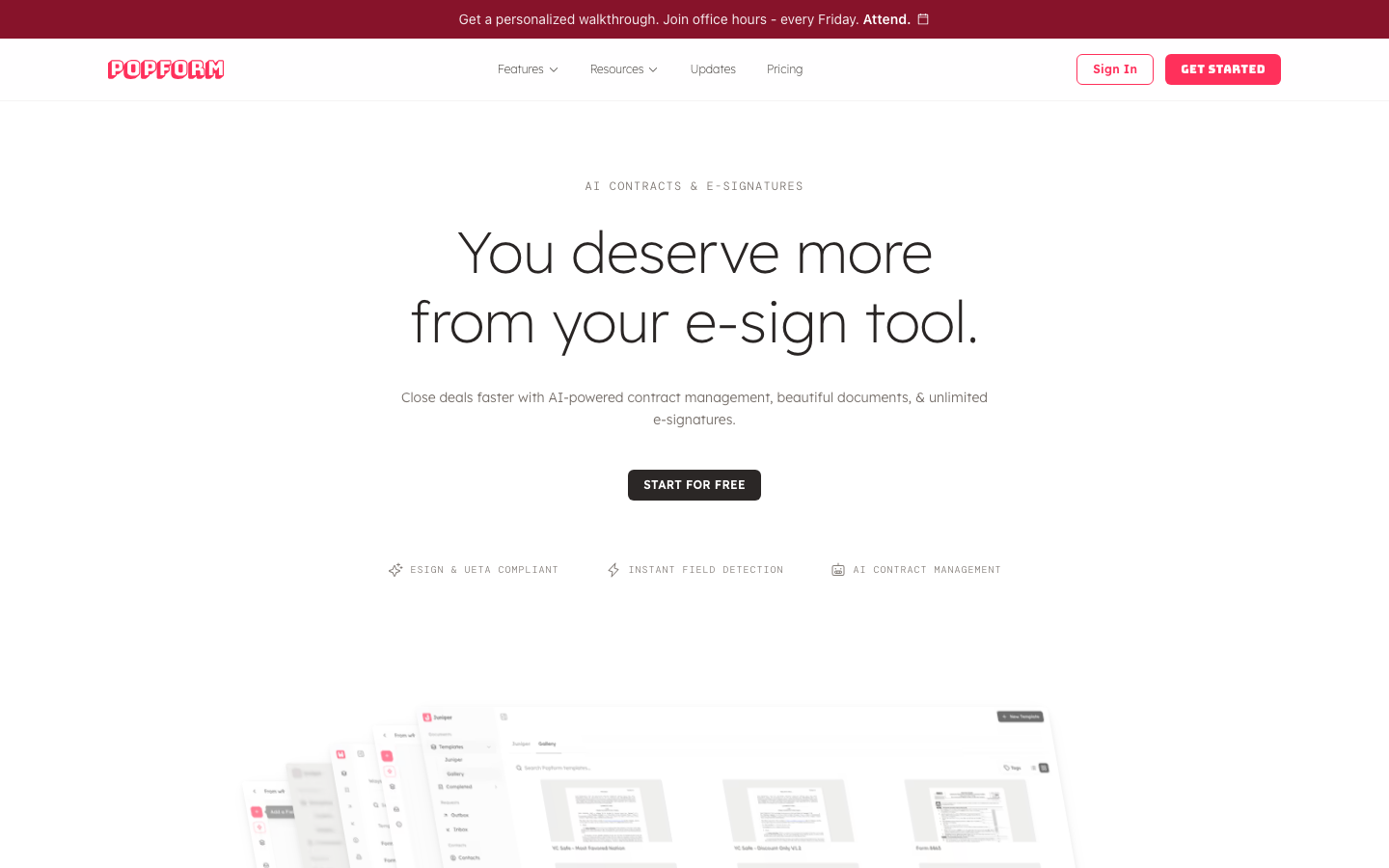 Popform: AI contracts and e-signatures
Popform is a modern e-sign and contract management tool with AI handling the parts that used to take a human. Upload an existing PDF, such as a contract, NDA, MSA, or order form, and Popform's AI detects the signature fields, assigns the right recipients, and pulls the key business terms back out of the signed copy. No manual field placement, no per-envelope math.
You do not have to start from a PDF, or even from inside Popform. Draft a new agreement from a prompt in Popform's editor, which supports both PDFs and markdown. Or connect Popform to Claude, ChatGPT, Grok, Perplexity, or Mistral through the Popform MCP and ask your assistant to create the document, send it for signature, check on its status, and pull key information out of everything you have signed.
What Popform does well:
- Connects to Claude, ChatGPT, Grok, Perplexity, and Mistral through the Popform MCP, so you can create documents, send for signature, check statuses, and ask questions of your contracts from the assistant you already use
- Goes from prompt to proposal in an editor that supports both PDFs and markdown
- AI detects signature, date, name, and amount fields automatically from any uploaded PDF
- AI assigns recipients based on what the document says, with no rules to configure
- AI extracts business terms (start and end dates, amounts, payment terms, renewal terms) from signed agreements
- Shareable links and activity tracking at every step toward signature
- Auto-organizes signed contracts by contact, company, and document category
- One plan: $11 per user per month billed annually, unlimited e-signatures, all AI features included
- ESIGN and UETA compliant
What Popform doesn't do: Popform is not a CLM. There is no redlining, no clause library, no negotiation room, and no approval-routing builder. If your contracts go through several rounds of legal markup before signature, keep a dedicated CLM upstream. Popform handles drafting, signature, and everything after it, not negotiation.
Pricing: One plan, $11 per user per month billed annually. No free tier (14-day free trial, no credit card required). Unlimited e-signatures and all AI features included.
Best for: Small and mid-sized teams sending sales contracts, NDAs, hiring docs, and vendor agreements who want a lower per-user price and an AI-first setup instead of HelloSign's per-template economics.
The tradeoff vs. HelloSign: You gain AI that does the setup work, contracts you can create and query from your AI assistant, a lower per-user price with no caps on sending, and structured business data extracted from every signed copy. You give up tight integration with the Dropbox storage layer that HelloSign now sits inside.
2. DocuSign: Best for Enterprise Procurement
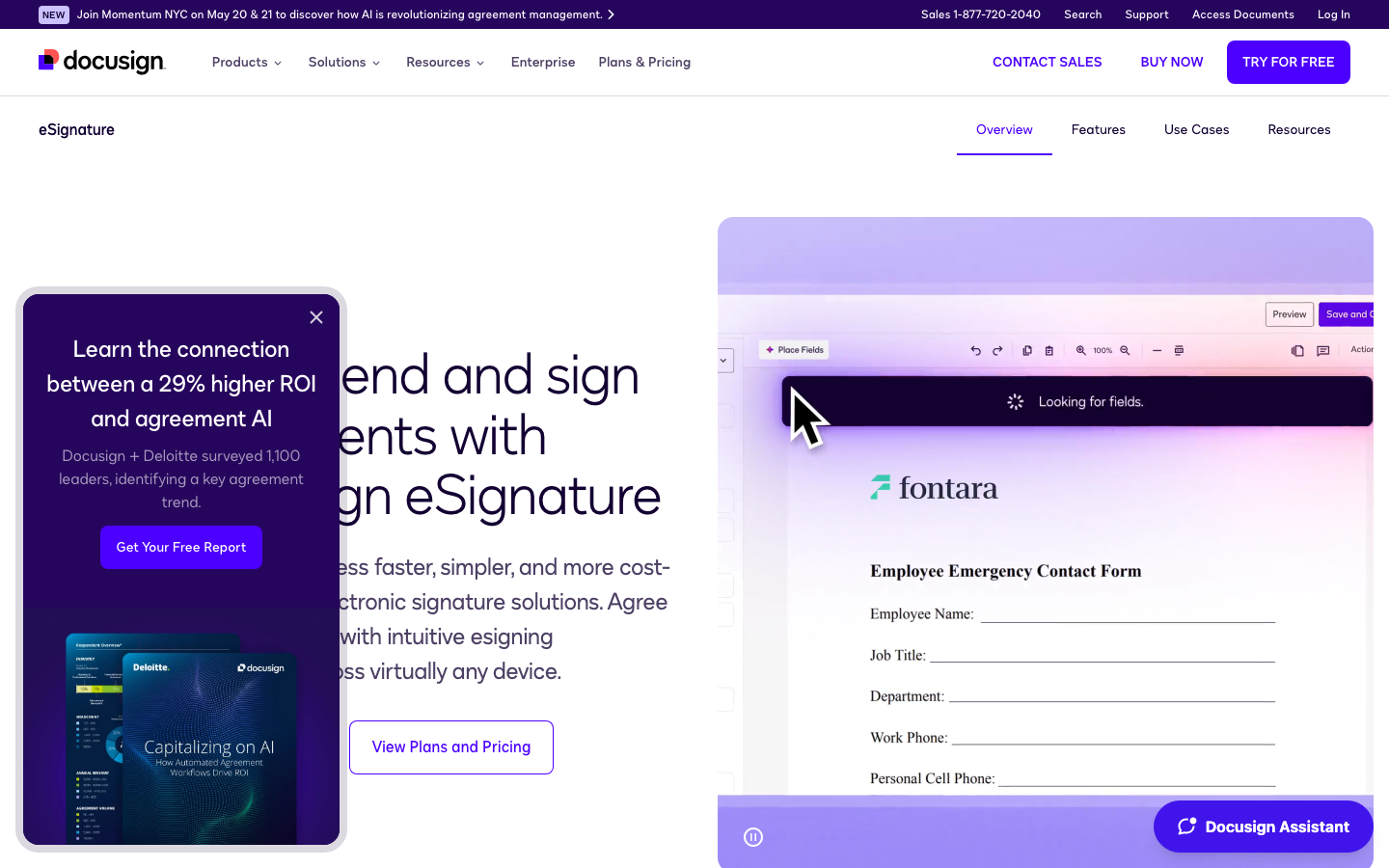 DocuSign: the e-signature incumbent
DocuSign built the category and still holds the largest enterprise procurement footprint. If your finance team has a preferred vendor list and DocuSign is on it, the path of least resistance is real.
What DocuSign does well:
- The most recognizable e-sign brand for legal, finance, and procurement teams
- Deep integration footprint across Salesforce, Microsoft 365, Google Workspace, and major ERPs
- Mature audit trail and compliance posture (ESIGN, UETA, eIDAS, 21 CFR Part 11, HIPAA-eligible)
- Enterprise contract management add-ons available for teams that grow into them
What DocuSign doesn't do: DocuSign was built when "get this PDF signed and filed" was the entire job. The interface still reflects that. Sending a single document feels like operating an enterprise platform, and pricing scales faster than usage. The Personal plan caps you at five envelopes per month, which most small teams will burn through in a single Friday afternoon.
Pricing: Personal $11/mo (annual), Standard $30/user/mo (annual), Business Pro $45/user/mo (annual), Enterprise custom. AI data extraction costs extra: it requires a separate IAM plan, from $45/user/mo (annual).
Best for: Teams inside large enterprises where procurement requires a named, established vendor and where the existing integration footprint matters more than per-document price.
The tradeoff vs. HelloSign: You gain enterprise integrations, an unmatched procurement story, and a deeper compliance posture. You give up HelloSign's lightweight UX and a willingness to be priced for a solo sender.
Read the full guide: 5 Best DocuSign Alternatives (2026)
3. SignNow: Best for Budget-Conscious Teams
 SignNow: managed e-signature at the lowest entry price
SignNow (from airSlate) is built around the same job HelloSign is, but at a much lower per-user price. If your only problem with HelloSign is the bill, SignNow is the obvious first stop.
What SignNow does well:
- The lowest published entry price among managed e-sign tools ($8/mo on Starter, annual, with unlimited users)
- Mobile-first signing experience
- Bulk send, document groups, and signing-link sharing on the Professional plan
- Solid set of integrations with Salesforce, HubSpot, NetSuite, and Microsoft 365
What SignNow doesn't do: SignNow's headline price is real but watch the cap. Annual plans include 100 signature invites per account per year, with pay-as-you-go pricing above that. For a small sales team sending volume, that math gets ugly fast. The product is also clearly part of the broader airSlate ecosystem, which means the UX leans utilitarian.
Pricing: Starter $8/mo, Professional $15/mo, Business $30/mo (all annual, unlimited users). Enterprise is $1.50 per signature invite. Annual plans include 100 signature invites per account per year, then pay-as-you-go.
Best for: Cost-sensitive teams sending a predictable, modest volume of documents who want a managed tool at the lowest published per-seat price.
The tradeoff vs. HelloSign: You gain a noticeably lower price and a comparable feature set. You give up some polish, and you take on per-invite overage math once you cross 100 invites per account per year.
Read the full guide: 5 Best SignNow Alternatives (2026)
4. Adobe Acrobat Sign: Best for Adobe and PDF Users
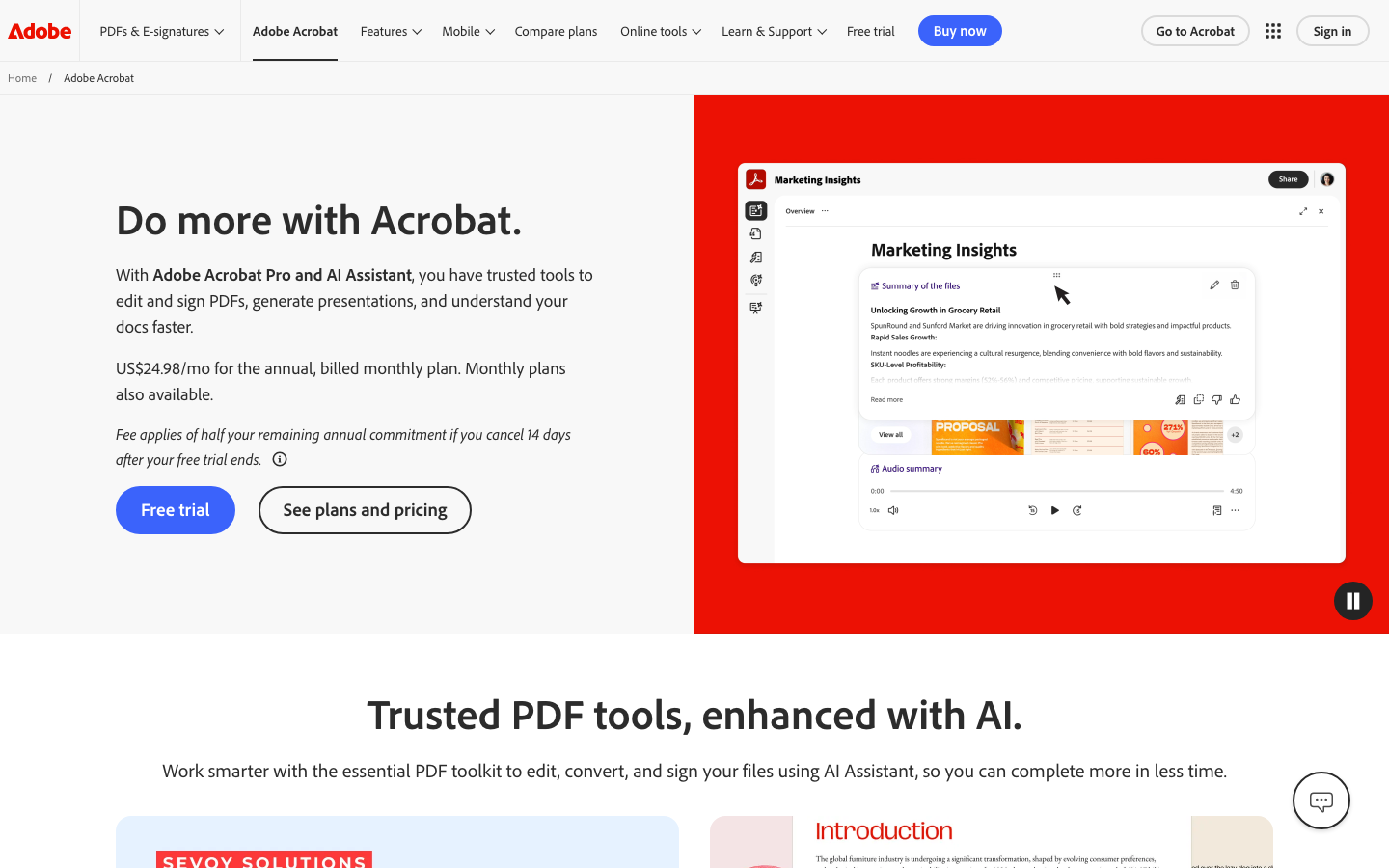 Adobe Acrobat Sign: e-signature inside the PDF tool you already use
If your team already lives in Adobe Acrobat for PDF editing, conversion, and review, Acrobat Sign is the path-of-least-resistance e-sign tool. It ships with Acrobat Pro Teams and integrates tightly with the rest of the Adobe stack.
What Adobe Acrobat Sign does well:
- Native to the Adobe PDF stack most teams already pay for
- Strong PDF editing, conversion, and form-building tools in the same product
- Integrations with Microsoft 365, Salesforce, Workday, ServiceNow, and the rest of the enterprise stack
- Enterprise-grade compliance and audit trail (ESIGN, UETA, eIDAS, 21 CFR Part 11)
What Adobe Acrobat Sign doesn't do: Team plans cap you at 150 transactions per user per year. Beyond that, you are quoted into Acrobat Sign Solutions, which is enterprise-priced and not self-serve. The UX also reflects its origin as a PDF tool that grew an e-sign feature, rather than a product designed signature-first.
Pricing: Acrobat Standard Teams $16.99/user/mo (annual), Acrobat Pro Teams $23.99/user/mo (annual). Two-license minimum. Acrobat Sign Solutions enterprise pricing on request.
Best for: Teams that already use Adobe Acrobat heavily and want the e-sign feature inside that stack rather than a standalone tool.
The tradeoff vs. HelloSign: You gain a full PDF toolchain bundled with the signature, plus enterprise integrations. You give up HelloSign's product clarity and a per-user price aimed at solo senders.
Read the full guide: 5 Best Adobe Sign Alternatives (2026)
5. Documenso: Best Open-Source Alternative
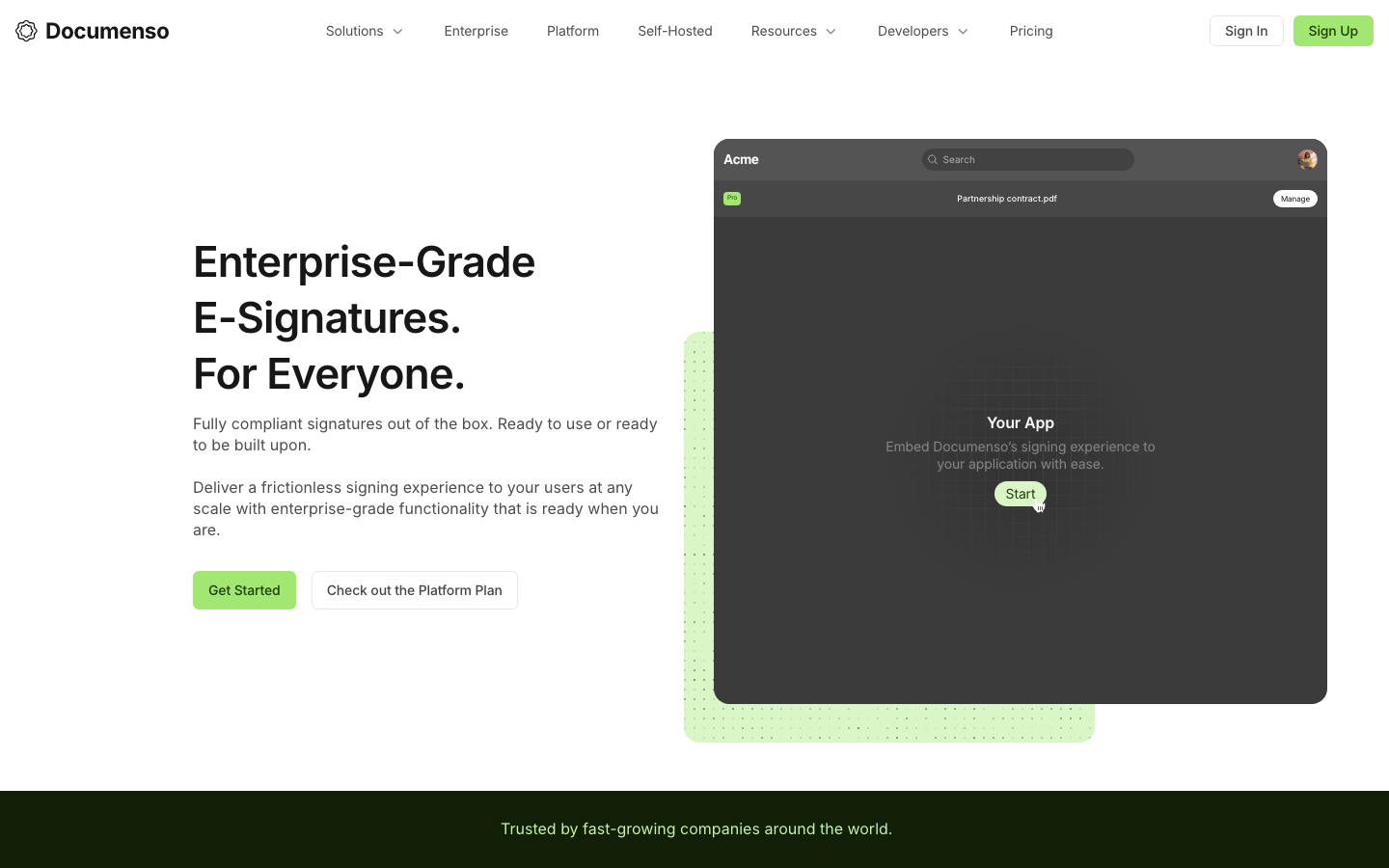 Documenso: enterprise-grade e-signatures, open source
Documenso is the open-source answer to the entire managed e-sign category. You can self-host it, audit the code, and avoid per-envelope or per-seat pricing entirely.
What Documenso does well:
- Fully open-source and self-hostable
- No per-envelope or per-seat fees on self-hosted plans
- Clean, modern signing UX
- Transparent roadmap and active community
What Documenso doesn't do: Documenso is focused on the signature primitive. Approval routing, structured data capture, and integrations are limited or DIY. Self-hosting also means you own uptime, compliance, and security posture, which is a real cost even if the software is free.
Pricing: Free self-hosted. Hosted plans start at $25/mo (Individual).
Best for: Engineering-led teams who want to own their stack and avoid per-seat pricing entirely.
The tradeoff vs. HelloSign: You gain control, transparency, and cost predictability. You give up the turnkey setup, the polished integrations, and the operational simplicity of a managed service.
Read the full guide: 5 Best Documenso Alternatives (2026)
The Information Inside Your Contracts
The deeper question behind every HelloSign alternative is what you want a signed document to be. If a signed document is just a finished PDF in a folder, HelloSign is fine and most alternatives in this list will feel like overkill. If a signed document is a record of what your business agreed to (payment terms, renewal dates, parties, amounts, obligations), you want a tool that reads what's inside and gives that information back to your team.
That is why Popform exists. Documents contain the most important information about how your business operates and grows. A signed copy should not be the moment that information disappears into a PDF. It should be the moment your team gets it back.
How to Choose a HelloSign Alternative
- If price is the only problem. SignNow is the cheapest published managed option, and Documenso is free if you self-host it.
- If you already live in Adobe Acrobat. Adobe Acrobat Sign is the path of least resistance.
- If you need enterprise procurement to sign off. DocuSign is still the name on the vendor list.
- If you want AI to handle the setup tax and pull the key terms out of every signed agreement. Popform is built for this. Upload existing PDFs, get clean field detection and term extraction, $11/user/mo.
- If you want to run contracts from Claude or ChatGPT. Connect the Popform MCP, then draft, send, and look up agreements by asking. It is included in the $11/user/mo plan.
- If you need full CLM (redlining, clause libraries, negotiation). None of these are the right answer. Look at Ironclad, LinkSquares, or a dedicated CLM, with Popform downstream for signature and everything after it.
Bottom Line
HelloSign was a great answer to a specific question: how do we get a document signed without operating an enterprise platform? That question is still valid. But the answer has aged, and the pricing under Dropbox has not gotten friendlier to small teams.
If you are leaving HelloSign for cost, look at SignNow or self-hosted Documenso. If you are leaving because the signed document is a dead-end PDF and your team has to keep re-typing the data inside it, start with Popform. Bring your existing HelloSign PDFs or draft from a prompt, let the AI handle the setup, and get the information back that you used to lose the moment a contract was signed.
More Comparison Guides
Looking at other tools in the category? Popform has a full alternatives guide for each:
- 5 Best DocuSign Alternatives (2026)
- 5 Best Adobe Sign Alternatives (2026)
- 5 Best Dropbox Sign Alternatives (2026)
- 5 Best SignNow Alternatives (2026)
- 5 Best PandaDoc Alternatives (2026)
- 5 Best Proposify Alternatives (2026)
- 5 Best Qwilr Alternatives (2026)
- 5 Best Documenso Alternatives (2026)
- 5 Best Agree.com Alternatives (2026)
FAQs
What is the cheapest alternative to HelloSign?
SignNow's Starter plan is the cheapest published option at $8/mo on annual billing. Documenso is cheaper still if you self-host it, but you take on the cost of running and maintaining the infrastructure yourself. Popform is the lowest-priced managed alternative with unlimited signatures and AI included, at $11/user/mo (billed annually), without a per-user or per-envelope cap.
Is HelloSign the same as Dropbox Sign?
Yes. Dropbox acquired HelloSign in 2019 and rebranded it as Dropbox Sign in 2022. The underlying product is the same, and people still search for "HelloSign alternatives" because the original brand stuck. The pricing and product decisions discussed here apply to Dropbox Sign as it ships today.
Are HelloSign alternatives legally valid for contracts?
Yes. Electronic signatures collected through any reputable e-sign tool are legally valid under the ESIGN Act and UETA in the United States, and under eIDAS in the EU. Popform, DocuSign, SignNow, Adobe Acrobat Sign, and Documenso all produce compliant signatures with proper audit trails. The brand on the envelope does not change the legal weight of the signature.
Can I import my existing HelloSign templates into another tool?
A direct template-to-template migration from HelloSign is rarely supported. Most alternatives let you upload the underlying PDF and recreate the field placements. Popform's AI side-steps this entirely by detecting fields automatically from the PDF, so you do not have to rebuild the template at all. Just upload the PDF you were already using in HelloSign.
Does HelloSign have a free plan?
Dropbox Sign (formerly HelloSign) has a free tier limited to 3 signature requests per month. The lowest paid plan is Essentials at $15/user/mo (billed annually). For most small businesses, the free tier is too tight to be useful on its own.
Which HelloSign alternative works with ChatGPT or Claude?
Popform. The Popform MCP connects your account to Claude, ChatGPT, Grok, Perplexity, and Mistral. From there you can ask your assistant to draft a document, send it for signature, check whether it has been signed, or answer questions such as what a contract is worth and when it renews. It is included in the $11/user/mo plan.
Which HelloSign alternative is best for small businesses?
Popform is built specifically for small and mid-sized teams sending sales contracts, NDAs, hiring docs, and vendor agreements without a dedicated contract function. The $11/user/mo plan, unlimited e-signatures, and AI-driven setup remove the per-template math that pushes growing teams off HelloSign in the first place.
Related articles
6 Best SignOwl Alternatives (2026)
SignOwl is a clean, mobile-first e-signature tool, but its free plan is tiny and its AI stops at field placement. Here are the 6 best SignOwl alternatives in 2026.
16 min read
5 Best Adobe Sign Alternatives (2026)
Adobe Acrobat Sign is great if you live in Acrobat, but the per-seat price and transaction caps push teams elsewhere. Here are the 5 best Adobe Sign alternatives in 2026.
14 min read
5 Best Dropbox Sign Alternatives (2026)
Dropbox Sign (formerly HelloSign) is clean and focused, but the per-seat pricing climbs fast for small teams. Here are the 5 best Dropbox Sign alternatives in 2026.
14 min read