Beta Release: Auto-Field Detection

Rikin Diwan•CEO, Popform•
One of the things we hate most about PDFs is the need to manually draw each field on them. So instead, we're using a combination of OCR and AI to detect the fields on PDFs and help you cut down setup time on all of your documents.
Now, upload a PDF that you need to send out for signature or completion and just hit the auto-detect button from the toolbar on the left.
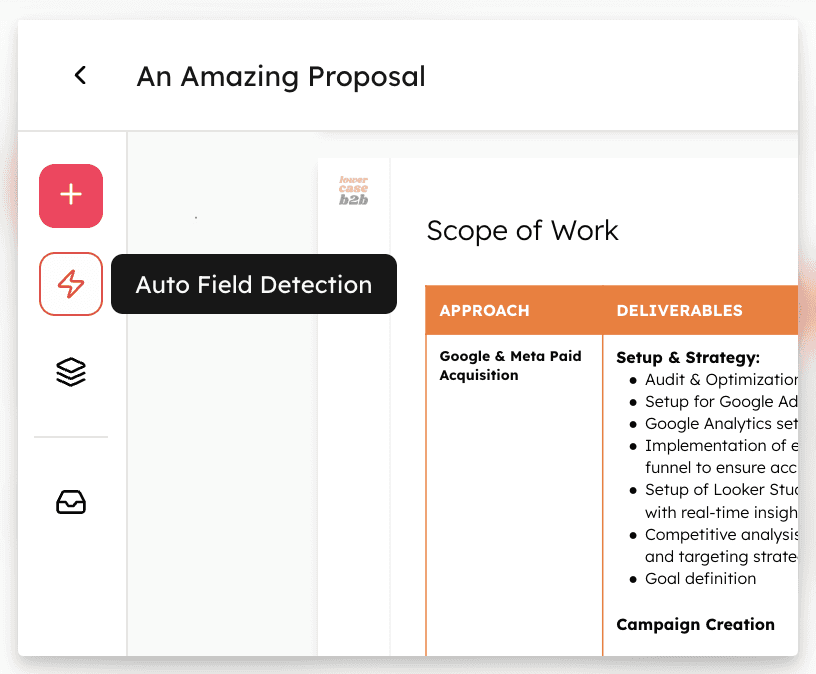 Auto-field detection
Fields Are Drawn Automatically
Using a combination of OCR (optical character recognition) and visual AI, we're taking away the most painful part of setting up a PDF document for signature or completion -- drawing fields manually.
Surprisingly, identifying where fields belong in a PDF is more challenging than it sounds. Some PDFs do have fillable fields depending on how they were created, but most actually don't. That means we need to turn to other options -- enter Visual AI.
However, while AI is really good at finding information within a document and extracting it, that's not the same use case as identifying fields. Identifying fields means we're asking AI to locate where something should be -- to make something from nothing is still a work in progress for modern technology.
This is also the main reason why Auto Detect is in beta. There will be mistakes and even complete misses when using Auto Detect, which is why we recommend you review the setup before you hit publish and share the document. But even with mistakes, Auto Detect saves you a significant amount of time setting up complex documents, and we're really excited to see you put it to the test and welcome all your feedback.
 Fields drawn automatically
Field Types Are Assigned Automatically
Drawing fields isn't the only battle in setting up a document. You also need to assign a field type to each field such as text, number, date, signature, initials, and more. We want to remove all of this friction, so Popform intelligently understands the context surrounding the field and assigns a field type automatically.
There are some field types we can't support yet such as dropdown and image menus, but with Text, Date, Signature, Initials, and Checkboxes this is a huge step towards instant and accurate setup.
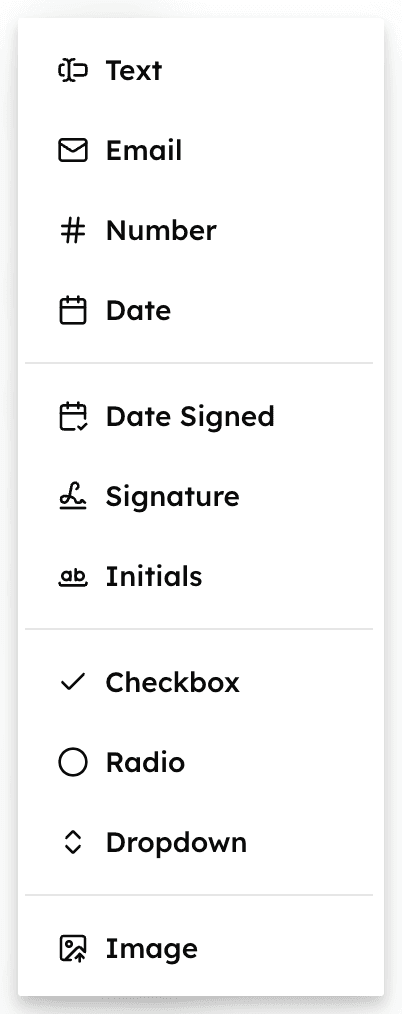 Popform's field types
Field Labels Are Created Automagically
But wait, there's more -- Popform now labels each field intelligently too.
Data labels in Popform are extremely important. We're not just building a platform that digitally moves a document from one desk to another, but one that truly understands the information and data inside that document to help you operate your business exceptionally.
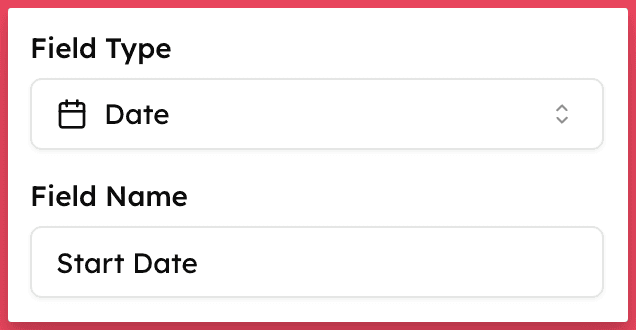 Auto-generated field labels
While not required, data labels in Popform are very powerful. Here's how they work:
-
They show up above fields to help recipients complete each document without error. Now you don't have to type a label for each field yourself.
-
They become the column header in your responses view. After a while you could care less about what the document looks like -- you want to see the start dates, end dates, values, and renewal terms within your documents. That's why we've built Popform around the data first, not the document. Data labels help you see those values in a clean table and even export so you can use that information across your stack.