Multi-Recipients

Rikin Diwan•CEO, Popform•
From day one, we knew multi-recipient support would be essential to making Popform a real contract management tool. After a few weeks of beta testing, it's now available to everyone.
Here's how it works:
- Add recipients in Editor settings -- add as many as you need, then choose the specific contacts when you send.
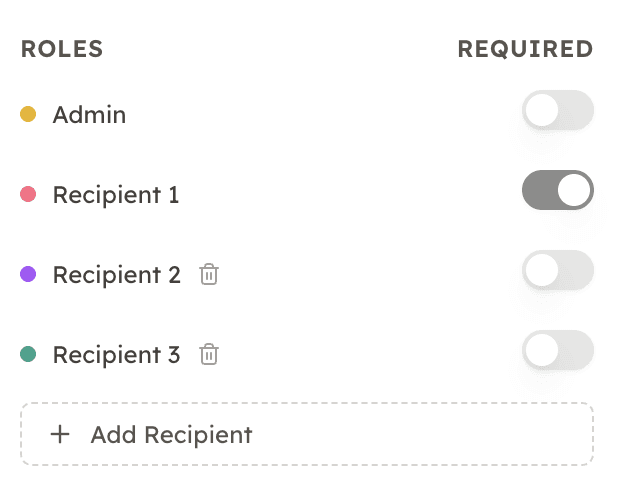 Recipient roles configuration
- Assign fields to recipients -- each field gets a Recipient #, or mark it as "Any Recipient" so anyone can fill it out. Great for agreements where you're not sure who the final signer should be.
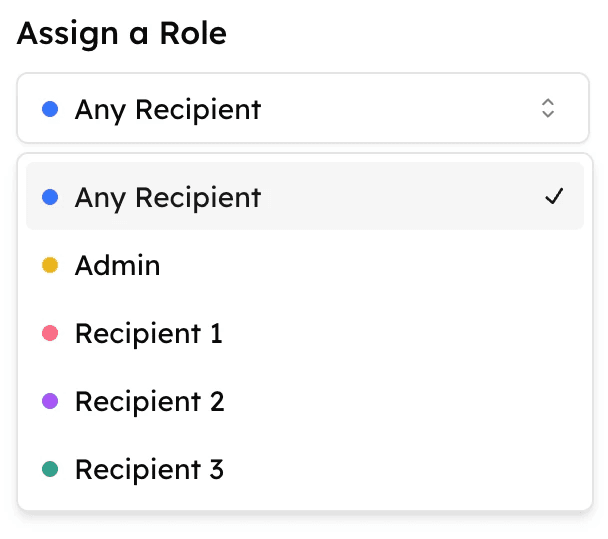 Contract role assignment
- Send from Editor or Dashboard -- assign contacts to each recipient slot and fire it off.
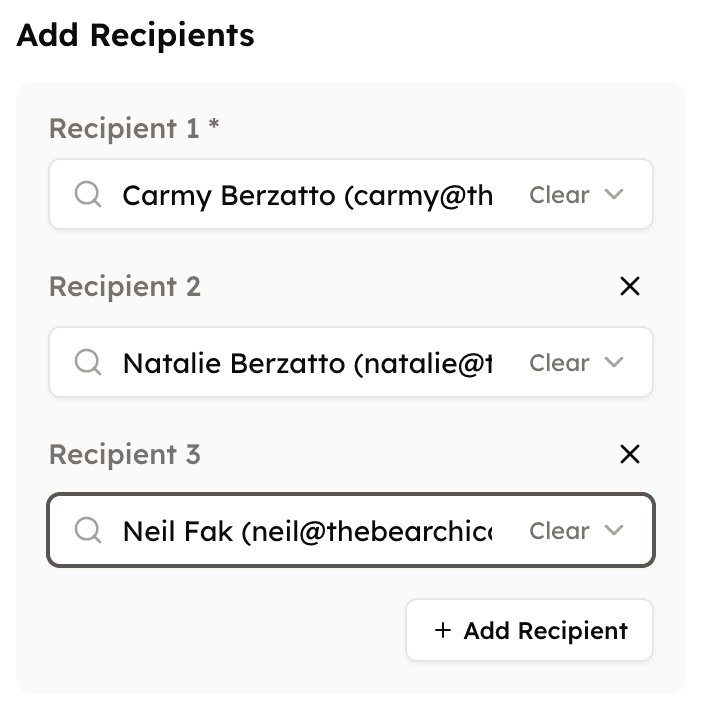 Add recipients and send
- Track activity per recipient -- see where things stand and send nudges to anyone holding up the workflow.
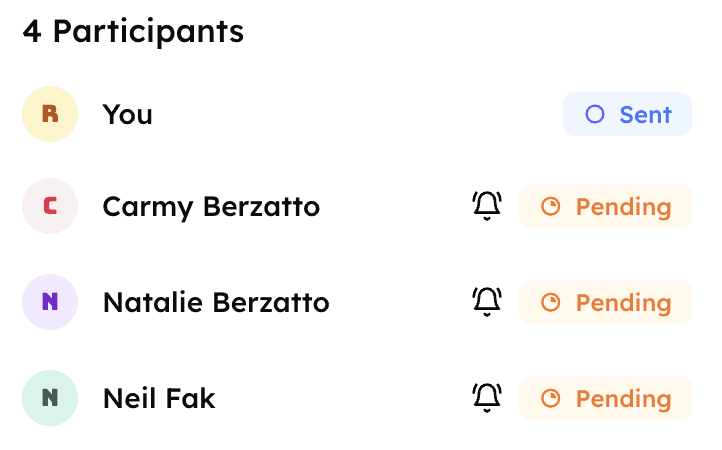 Track signature activity
Also in this release
- Dark Mode in Editor -- easier on the eyes while setting up docs
- Smarter AI extraction -- better contact detection and currency recognition on upload
- Mobile improvements -- hit "Next" and jump straight to the next field
- General polish -- faster, cleaner, fewer bugs